cd /Applications/IBM SPSS Statistics/SPSS Statistics.app/Contents/MacOS/
./stats <arguments> # e.g., analysis_script.sps my_data.savspss
About
This document provides a template for executing SPSS syntax in a bash terminal using Quarto.
These ideas come from the following answer to a search with this prompt: “can spss be run from terminal”:
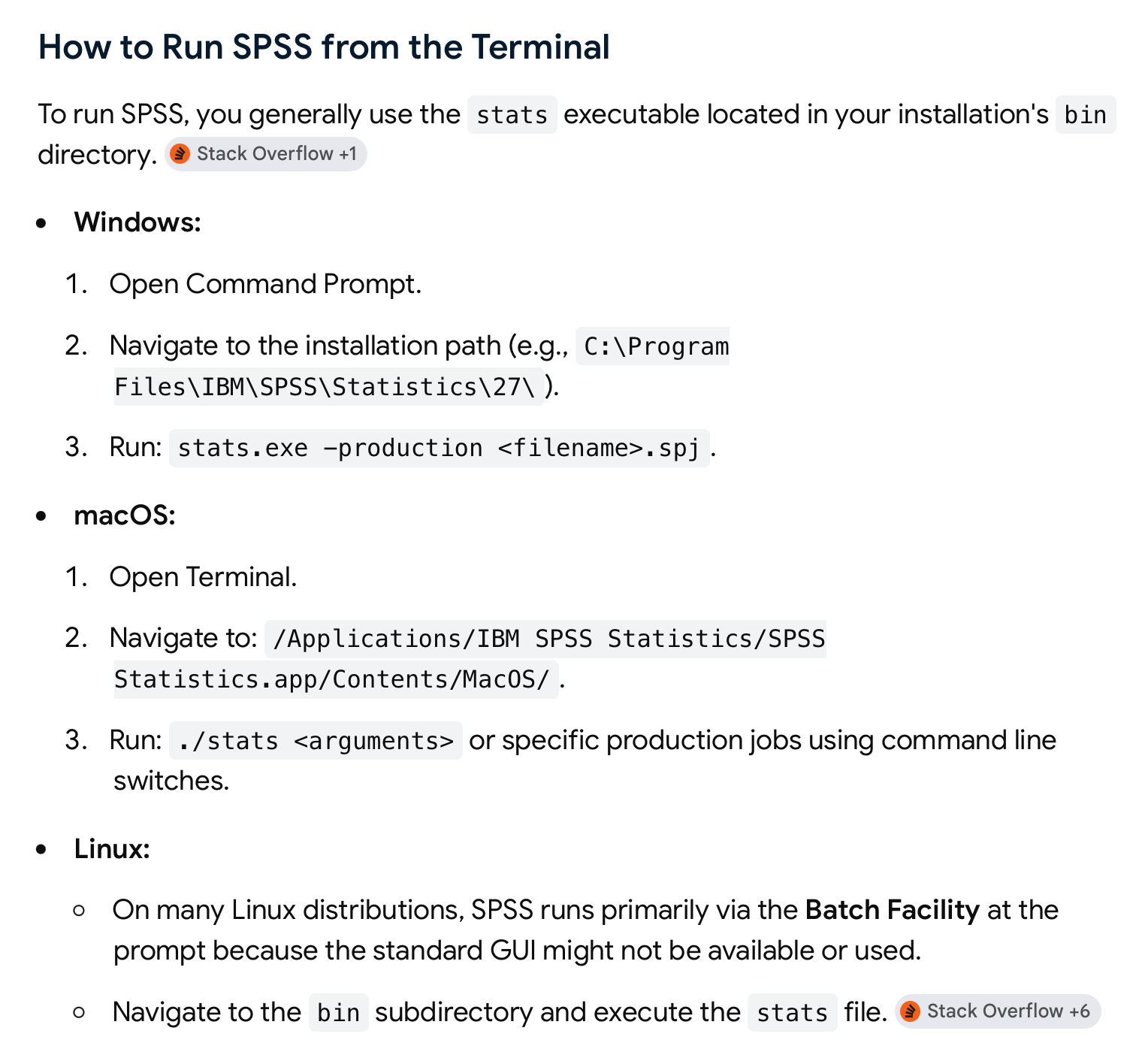
Example
This example illustrates a Mac OS-specific workflow, but similar steps should work on Windows and Linux.
Note
Quarto builds upon R Markdown, and R Markdown builds upon the {knitr} rendering engine. Knitr supports rendering code chunks in multiple languges, including bash shell commands. That’s the ‘secret sauce’ that should make this work. I say should because we should test it to make certain.
If you get an SPSS workflow to work, let me know!